Ratatui UI: Connecting the dots
I’ve done most of the work in the previous section, so connecting the code that manages UI to the main download logic has become quite an easy change. I’ll briefly highlight the most notable changes in this section. For implementation details, check out the version on GitHub.
Nicer user interface
Remember the user interface I came up with a while ago? I didn’t pay much attention to its beauty: a more important task for me was to make the internals work correctly. Now that it’s done, we can revisit the UI and make it a bit nicer. In particular, let’s look at the download progress. It would be much more appealing if instead of just text, we could show a progress bar.
When it comes to progress bars, Ratatui has a couple of widgets out of the box: Gauge and LineGauge. I went with LineGauge for its sleeker look.
Peer probing could also benefit from a progress bar. Remember that to start downloading, we first probe peers one by one, to find a peer that would allow us to download the entire file. Since we know the total number of peer addresses returned by the tracker, and we can easily track the index of the peer we’re currently trying to connect to, a progress bar could nicely show us how many peers we’ve tried so far.
Logging to a file
Now that we can’t use the console to show tracing logs, we need another place to store them. An obvious choice is to redirect logging to a log file. That can easily be done with the following tracing configuration:
fn setup_tracing() -> Result<()> {
    let crate_name = env!("CARGO_PKG_NAME");
    let log_filename = format!("{}.log", crate_name);

    tracing_subscriber::fmt()
        .with_max_level(Level::DEBUG)
        .with_writer(File::create(&log_filename)?)
        .init();

    Ok(())
}
Wiring the whole app together
With everything in place, we can wire the pieces together end-to-end and see the full application in action:
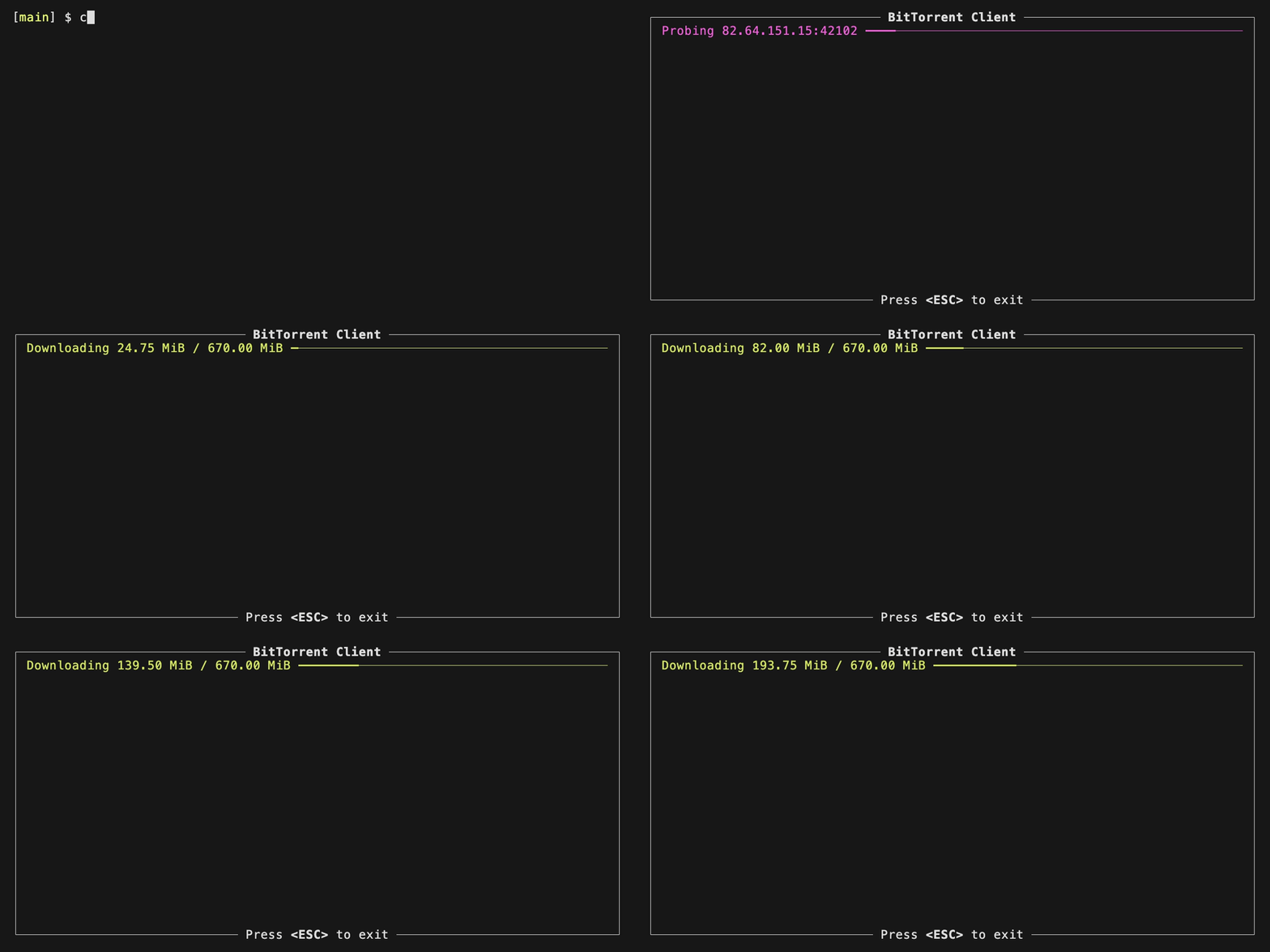
That looks quite satisfying! Let’s reflect on what we’ve achieved during the last few coding sessions:
- We’ve learned how to build a terminal user interface with Ratatui.
- We’ve used several of Ratatui’s built-in widgets.
- We can run a long-running task in a separate thread and connect it to the UI via channels.
- In this post we’ve tied everything together and got the entire application working end-to-end.
That’s quite a lot! To mark the milestone, I’m proudly tagging this release as 0.1.0 and moving on to the next challenge.